What Is the WhatsApp Character Limit for Status Updates? Full Guide 2026
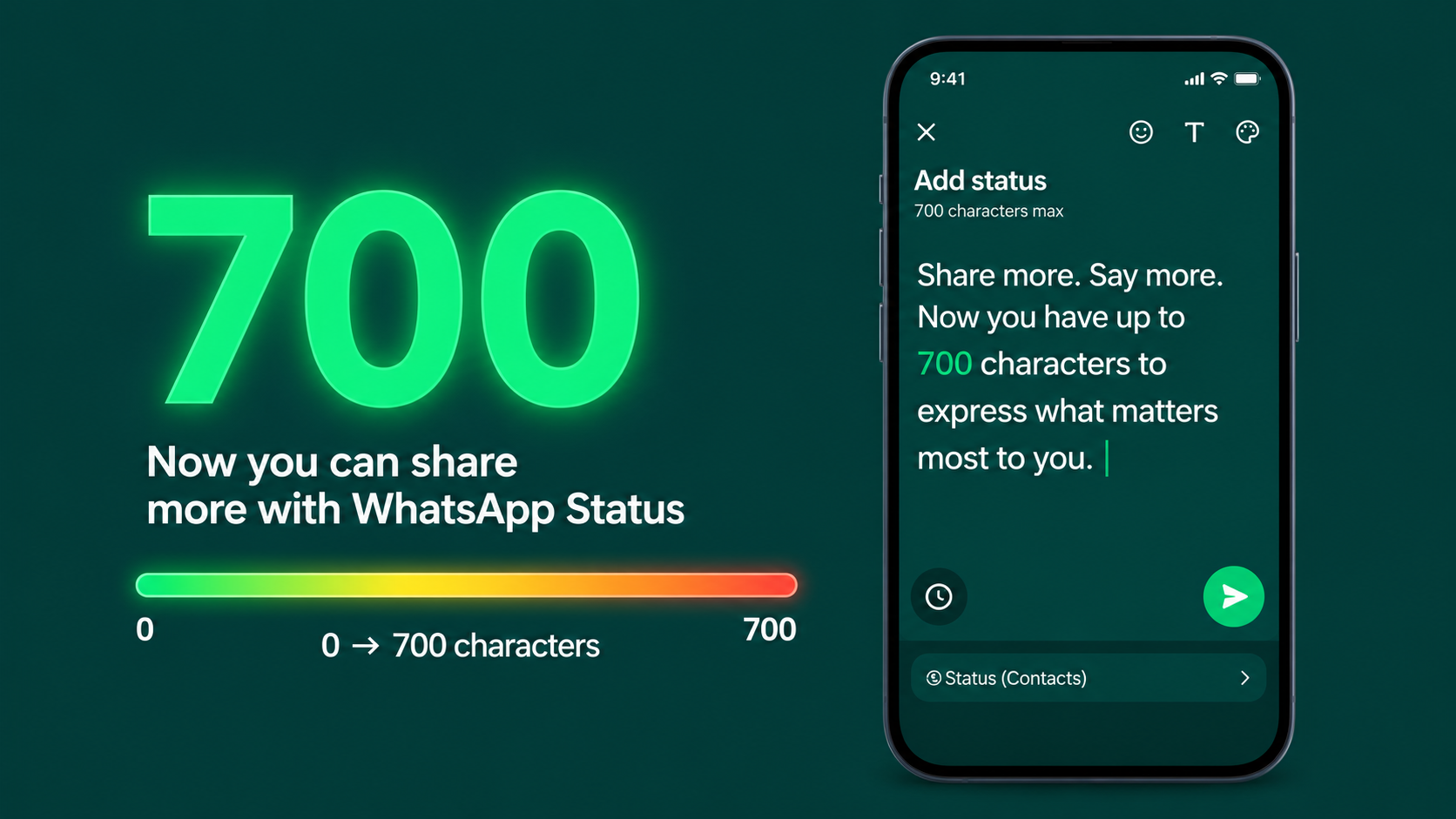
What Is the WhatsApp Character Limit for Status Updates?
Everything you need to know about WhatsApp Status text limits — with tips to write better updates and tools to count every character.
WhatsApp Status Character Limit — Direct Answer
700 characters maximum for a WhatsApp Status text updateWhatsApp allows up to 700 characters in a text-based Status update. This includes letters, numbers, spaces, punctuation, and emojis. Each emoji counts as one character. If your text exceeds 700 characters, WhatsApp will not let you post it — you will need to trim it down before sharing.
This limit applies to the text caption on photo and video statuses too, though the character count there may vary slightly by device. For pure text statuses, 700 is the firm limit on all platforms.
📖 What Is a WhatsApp Status Update?
WhatsApp Status is a feature that lets you share text, photos, videos, and GIFs with your contacts for 24 hours — similar to Instagram Stories or Snapchat. After 24 hours, the status disappears automatically. It is one of the most-used features on WhatsApp, with billions of status updates posted every day worldwide.
There are two main types of WhatsApp Status:
Text Status
A plain text update with a coloured background. You choose the background colour and font style. Maximum 700 characters. This is the most common type for quotes, announcements, and personal thoughts.
Photo / Video Status with Caption
A photo or video with an optional text caption. The caption also has a character limit — typically up to 700 characters on most devices, though captions are often kept shorter for visual balance.
🔢 WhatsApp Character Limits — Full Breakdown
WhatsApp has different character limits for different types of content. Here is the complete picture so you always know exactly how much space you have:
Status Update
Text-based status or photo/video caption
Chat Message
Single message in a personal or group chat
Group Name
Characters allowed in a WhatsApp group name
Profile About
Characters in your WhatsApp About/Bio section
Profile Name
Characters allowed in your display name
Business Description
Characters in a WhatsApp Business profile description
🧮 What Counts as a Character in WhatsApp Status?
A common question is whether emojis, spaces, and line breaks count toward the 700-character limit. The answer is yes — everything counts:
Letters & Numbers
Every letter (A–Z, a–z) and every digit (0–9) counts as one character. This applies to all languages — Arabic, Urdu, Hindi, Chinese, and others all count per character.
Spaces & Punctuation
Every space between words counts as one character. Commas, full stops, exclamation marks, and all other punctuation also each count as one character.
Emojis
Each emoji typically counts as one character in WhatsApp's counter, though some complex emojis (like skin tone modifiers or multi-part emoji sequences) may count as two. Keep this in mind if you use many emojis in your status.
Line Breaks
Pressing Enter to create a new line counts as one character per line break. If you format your status with lots of spacing, those line breaks eat into your 700-character budget.
📊 How the 700-Character Limit Looks in Practice
Here is a visual sense of how your character count feels at different stages as you approach the 700-character limit:
📲 What a Well-Written WhatsApp Status Looks Like
A great WhatsApp Status uses the character limit wisely — clear, expressive, and complete without padding or filler words:
Work hard in silence. Let your results be the noise. 💪
Every setback is a setup for something greater. Trust the process. ✨
✍️ 7 Tips to Write Better WhatsApp Status Updates
Knowing the limit is just the start. Here is how to make the most of every one of those 700 characters:
Lead with the Most Important Line
Most people see only the first line of a status before tapping to expand. Put your strongest sentence first — a question, a bold statement, or a memorable quote that makes them want to read more.
Use Emojis Strategically
One or two well-placed emojis add personality and visual breaks without cluttering the text. Use them to punctuate key points rather than decorating every sentence. Remember — each emoji counts toward your 700.
Count Before You Write Long Texts
If you are copying a quote, poem, or announcement from elsewhere, paste it into a character counter tool first. This avoids the frustration of writing a long status and having WhatsApp reject it at the last moment.
Use Line Breaks for Readability
A wall of text is hard to read on a small phone screen. Break your status into short lines or paragraphs with a single blank line between them. Each line break counts as one character — a small cost for a big readability gain.
Get to the Point
Status updates are not blog posts. Cut filler words, avoid long preambles, and say exactly what you mean. Your contacts will appreciate a concise, well-crafted update far more than a rambling one that hits the 700-character ceiling.
For Business: Include a Call to Action
If you use WhatsApp Status for business, end with a clear next step — "Message us to order", "Click the link in our bio", or "Reply to book your spot". A status without a CTA is a missed opportunity.
Update Regularly — Stale Statuses Lose Views
WhatsApp Status disappears after 24 hours anyway, but contacts who check daily are more engaged. Regular, fresh status updates keep you at the top of your contacts' status feeds and maintain your presence.
🔢 Use a Free Character Counter Tool
The easiest way to stay within the 700-character WhatsApp Status limit is to use a free online character counter before you write. These tools show your live character count as you type, highlight when you are getting close to the limit, and help you trim your text without guessing.
A good character counter for WhatsApp Status will show you total characters (including spaces), word count, and a visual progress bar toward the 700-character ceiling. Some tools also let you format your text with bold, italics, and line breaks — which you can then copy and paste directly into WhatsApp.
📊 WhatsApp vs Other Platforms — Status Character Limits
How does WhatsApp's 700-character Status limit compare to other social platforms? Here is the full picture:
| Platform | Feature | Character Limit | Notes |
|---|---|---|---|
| Status Update | 700 | Text or photo/video caption | |
| Story Caption | No set limit | Text overlay; visual space is the real limit | |
| 🐦 X (Twitter) | Tweet | 280 | Free accounts; Premium gets 25,000 |
| Status Post | 63,206 | Extremely generous limit | |
| 👻 Snapchat | Story Caption | 250 | Short captions only |
| Post | 3,000 | Long-form updates supported |
❓ Frequently Asked Questions
✍️ Write Your Perfect Status Update
Stay within the 700-character limit, add expressive emojis, and make every WhatsApp Status count. Use the free Emoji Picker to find the perfect emoji in seconds.
Open Emoji Picker — Free →