Free WhatsApp QR Code Generator — Create Business QR Codes Instantly (2026)
Free WhatsApp QR Code Generator — Create Business QR Codes Instantly
Generate professional WhatsApp QR Codes for your business in seconds. Help customers contact you instantly without typing your number manually.
Table of Contents
What Is a WhatsApp QR Code?
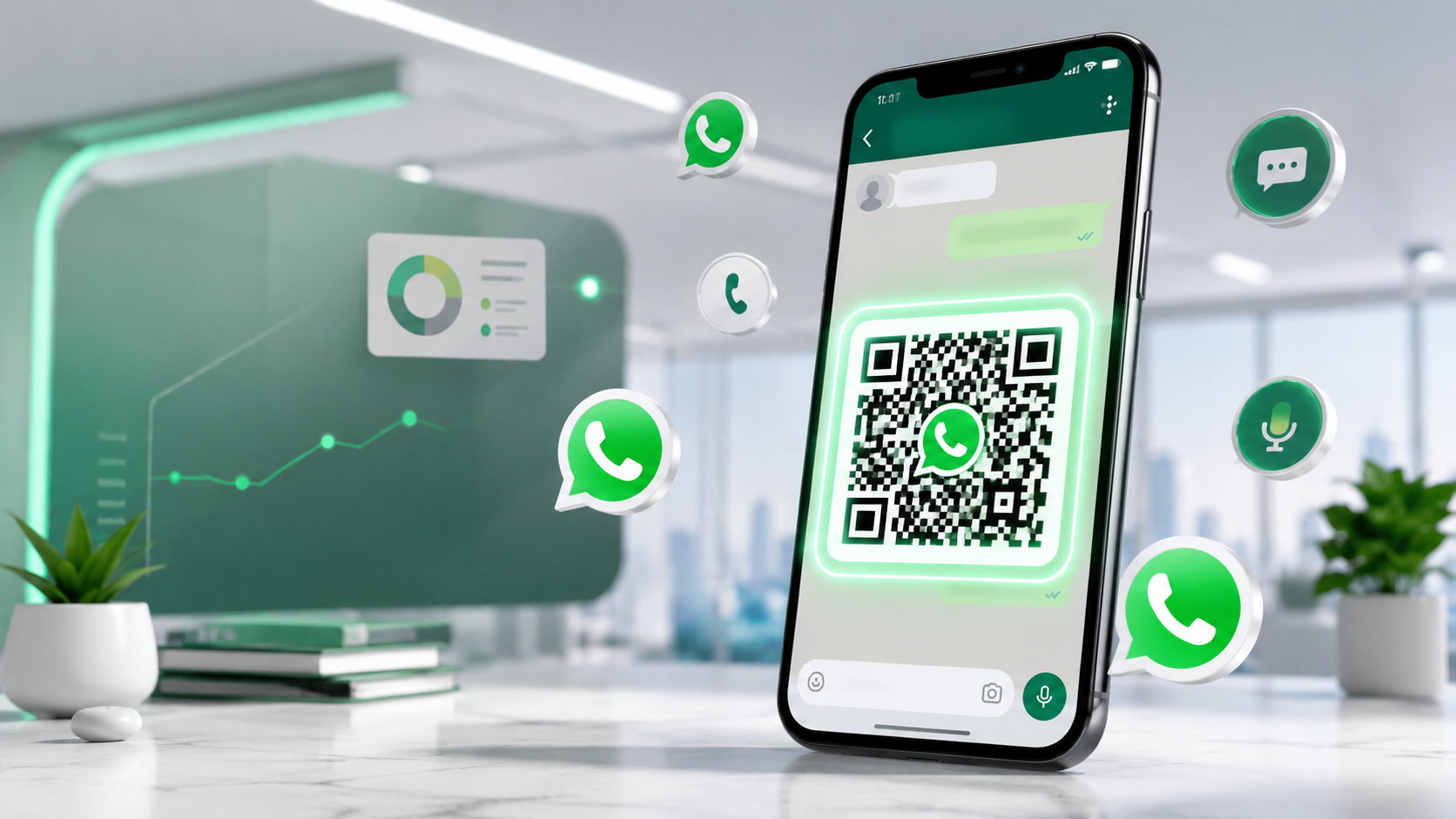
A WhatsApp QR Code is a scannable QR code that opens a direct WhatsApp chat instantly. When users scan the code using their smartphone camera, WhatsApp opens automatically and allows them to start messaging your business immediately.
Instead of manually saving phone numbers, customers can connect with your business in one tap. This makes WhatsApp QR Codes one of the easiest tools for customer communication and lead generation.
Businesses worldwide use WhatsApp QR Codes on websites, business cards, restaurants, packaging, flyers, product labels and social media pages to increase customer inquiries quickly.
Why Businesses Need WhatsApp QR Codes
Customer attention spans are shorter than ever. If customers must manually type your number, many simply leave without contacting you.
A WhatsApp QR Code removes friction and makes communication instant.
Main Benefits of WhatsApp QR Codes
- Customers can contact your business instantly
- Improves conversion rates and customer inquiries
- Works perfectly for offline marketing materials
- Reduces typing mistakes in phone numbers
- Improves user experience on mobile devices
- Perfect for restaurants, shops, freelancers and agencies
- Works on Android and iPhone smartphones
Create Your Free WhatsApp QR Code
Generate a professional WhatsApp QR Code instantly using our free online tool.
Open QR Code GeneratorHow to Create a WhatsApp QR Code
Step 1 — Enter Your WhatsApp Number
Enter your full phone number including country code.
Example:
+92 300 1234567
If you need help with international dialing formats, use our WhatsApp Country Code Finder .
Step 2 — Add a Pre-Filled Message
You can add a default message that appears automatically when customers open the chat.
Example:
Hello, I found your business online and want more information.
Step 3 — Generate the QR Code
Click the generate button and your WhatsApp QR Code will be created instantly.
Step 4 — Download and Share
Download the QR Code image and use it anywhere:
- Business cards
- Flyers and posters
- Restaurant menus
- Product packaging
- Instagram bios
- Shop counters
- Websites and landing pages
Best Ways to Use WhatsApp QR Codes
1. Restaurant Ordering
Restaurants can allow customers to place orders instantly through WhatsApp by scanning the QR code from menus or tables.
2. Retail Store Support
Retail businesses can place QR codes near checkout counters for customer support and product inquiries.
3. Real Estate Marketing
Real estate agents can add QR codes to banners and property listings for direct buyer communication.
4. Freelancers and Agencies
Freelancers can place QR codes on portfolios, resumes and social media profiles.
5. E-Commerce Stores
Online stores can improve customer trust by offering instant WhatsApp support.
You can also combine your QR Code with our WhatsApp Chat Button Generator for even better customer engagement.
Common Mistakes to Avoid
- Using incorrect country codes
- Printing blurry QR codes
- Not testing the QR code before publishing
- Using very small QR code sizes
- Forgetting to add a call-to-action near the QR code
- Using inactive WhatsApp numbers
WhatsApp QR Code vs Click to Chat Link
Both tools help customers contact your business instantly, but they work differently.
- QR Codes: Best for offline marketing like posters, menus and packaging
- Click to Chat Links: Best for websites, Instagram bios and digital platforms
Need direct WhatsApp links too? Try our WhatsApp Click to Chat Link Generator .
Frequently Asked Questions
Is the WhatsApp QR Code Generator free?
Yes, our WhatsApp QR Code Generator is completely free and works on desktop and mobile devices.
Can I use the QR code for my business?
Yes, businesses can use WhatsApp QR Codes for customer support, marketing and sales inquiries.
Do customers need a special app to scan the QR code?
No, most modern smartphones can scan QR codes directly using the camera app.
Can I print the QR code?
Yes, you can print the QR code on flyers, menus, business cards and posters.
Does the QR code expire?
No, the QR code will continue working as long as your WhatsApp number remains active.
Start Generating WhatsApp QR Codes Today
Ready to try it yourself? Use our free WhatsApp QR Code Generator at whatolls.sbs — no signup required, no limits and works instantly on mobile and desktop.
Generate Free QR Code