How to Know If Someone Blocked You on WhatsApp — 5 Sure Signs
How to Know If Someone Blocked You on WhatsApp — 5 Sure Signs
Wondering why your WhatsApp messages are not getting replies? Learn the 5 most reliable signs that can help you figure out whether someone blocked you on WhatsApp in 2026.
WhatsApp is one of the most popular messaging apps in the world, but sometimes conversations suddenly become silent. Maybe your messages are stuck on one tick, the profile photo disappeared, or calls never connect anymore. Naturally, many people start wondering: “Did this person block me on WhatsApp?” The truth is that WhatsApp intentionally protects user privacy, so it never directly tells you if someone blocked you. However, there are several strong indicators that together can help you identify whether a block likely happened. In this complete 2026 guide, we explain the 5 sure signs of a WhatsApp block, common misunderstandings, privacy-friendly ways to check, and what you should avoid doing.
📑 Table of Contents
Why WhatsApp Hides Block Information
WhatsApp focuses heavily on privacy and security. If someone blocks you, the app will never send a notification saying “You have been blocked.” Instead, WhatsApp hides certain features gradually so the blocked person cannot easily confirm it with 100% certainty.
This privacy-first system protects users from harassment, stalking, or unwanted contact. It also prevents unnecessary conflicts because technical issues like bad internet or changed privacy settings can sometimes look similar to blocking.
No third-party app can officially confirm if someone blocked you on WhatsApp. Apps claiming to “detect blocks instantly” are usually fake, risky, or violate privacy policies.
5 Sure Signs Someone Blocked You on WhatsApp
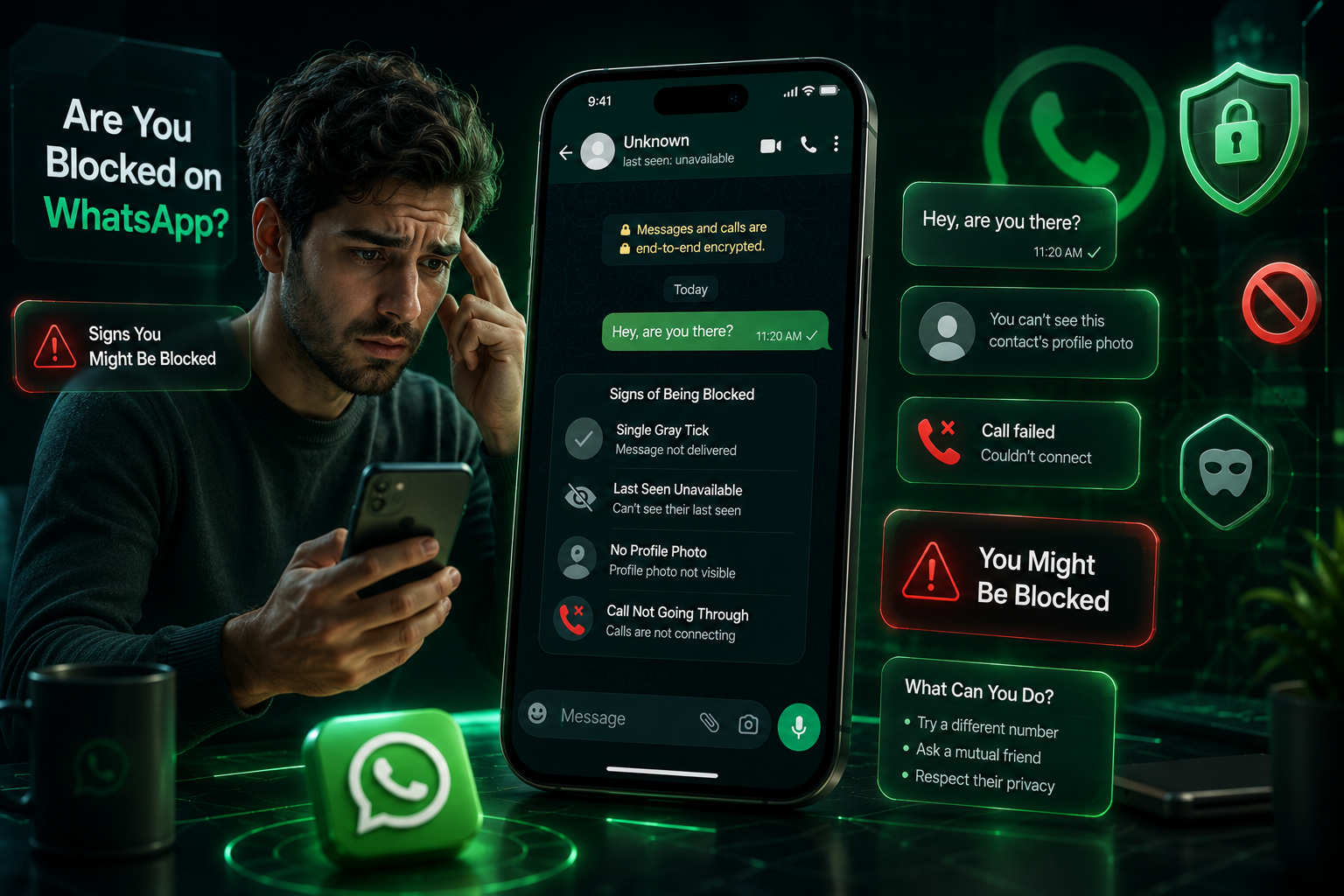
One of the most common signs is when your messages show only a single gray check mark for a long time. Normally:
| Tick Status | Meaning |
|---|---|
| ✓ One Gray Tick | Message sent but not delivered |
| ✓✓ Two Gray Ticks | Message delivered successfully |
| ✓✓ Blue Ticks | Message read by recipient |
If every message stays on one tick for days, it may indicate that the person blocked you. However, it can also happen if their phone is turned off, disconnected from the internet, or they deleted WhatsApp temporarily.
Another major clue is losing access to someone's “Last Seen” or “Online” activity. If you previously could see when they were active but suddenly cannot anymore, it could be because:
- They blocked you
- They changed privacy settings
- They disabled Last Seen for everyone
This sign alone is not enough to confirm a block, but when combined with other indicators, it becomes more reliable.
If someone blocks you, you may stop seeing updates to their profile picture. Sometimes the photo disappears completely and becomes the default blank avatar.
However, some users remove their photo intentionally or limit visibility through privacy settings. So again, this sign works best when combined with others on this list.
When you try calling someone who blocked you, the call usually rings on your side but never actually connects to the recipient’s device.
If repeated calls always fail while other contacts work normally, blocking becomes more likely. Still, remember that poor internet or airplane mode can sometimes cause similar issues.
This is considered the strongest and most reliable sign. If you try adding the person to a WhatsApp group and receive an error like:
“Couldn't add participant”
then there is a very high chance they blocked you. Unlike other signs, this method is much harder to explain through privacy settings or internet issues.
Common Mistakes People Make
Many users panic too quickly and assume they were blocked immediately. In reality, there are several normal reasons why WhatsApp behavior may change temporarily.
| Situation | Possible Explanation |
|---|---|
| No profile photo | User removed it manually |
| One gray tick | Phone offline or internet issue |
| No Last Seen | Privacy settings disabled |
| Calls fail | Weak network connection |
| No replies | User inactive or busy |
Blocked vs Internet Problems — How to Tell the Difference
Sometimes internet issues can create confusion. The best approach is to look for multiple signs together instead of relying on a single clue.
For example, if messages stay on one tick, the profile photo disappears, calls never connect, and group invitations fail — then blocking becomes highly likely.
Avoid constantly messaging or calling someone repeatedly to “test” if you were blocked. Respecting privacy is important, and excessive attempts may create unnecessary tension.
Useful WhatsApp Tools You Can Try
If you use WhatsApp regularly for communication or business, these free tools can make your experience much easier:
- WhatsApp Number Validator — Check whether a number is active on WhatsApp.
- Click to Chat Link Generator — Create direct WhatsApp chat links instantly.
- WhatsApp QR Code Generator — Generate scannable QR codes for your WhatsApp account.
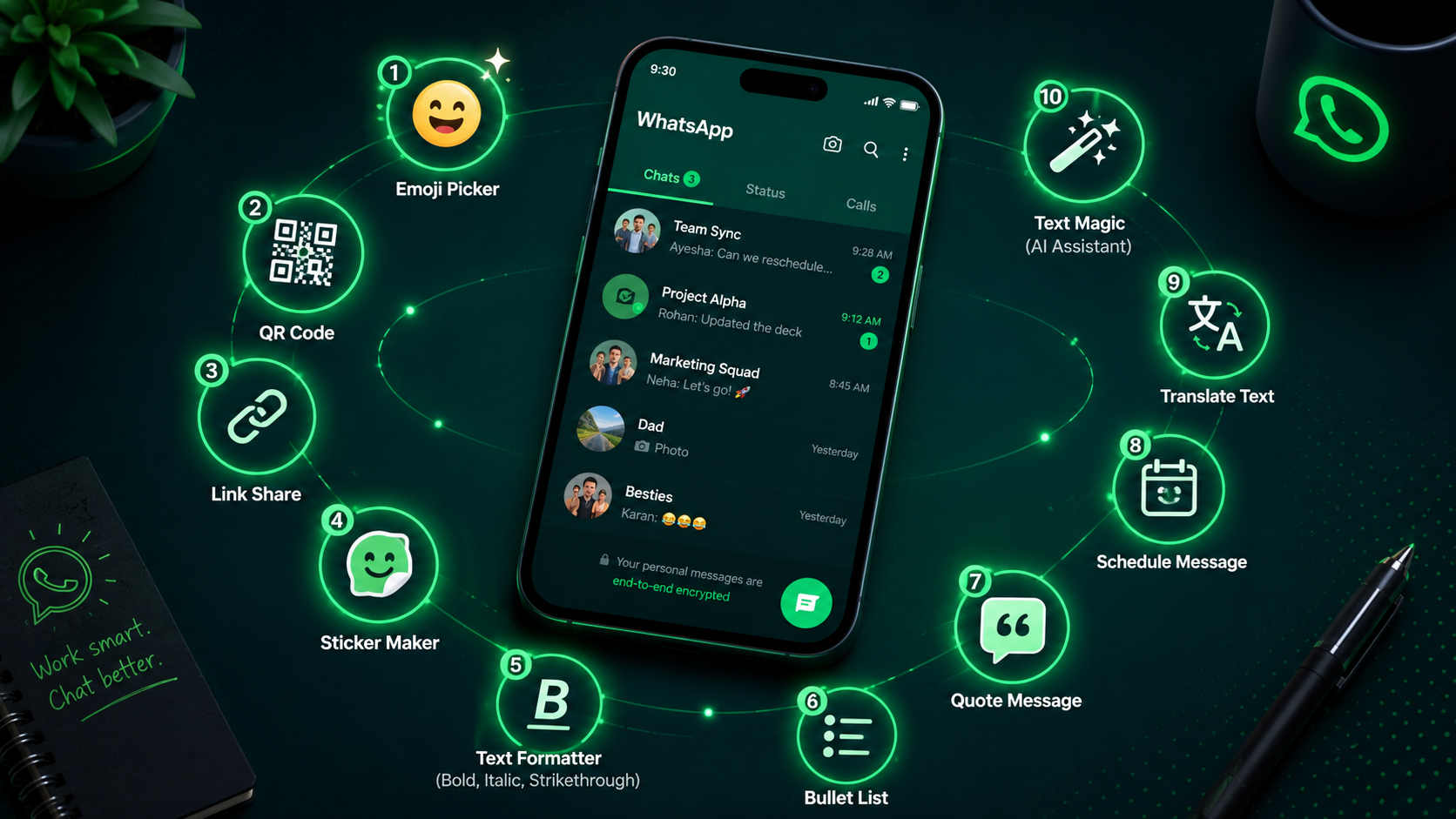
- Message Formatter — Format bold, italic, and stylish WhatsApp messages.
- Bulk Message Sender — Send organized WhatsApp campaigns more efficiently.
Frequently Asked Questions
Improve Your WhatsApp Experience With Free Tools
Explore free WhatsApp utilities for messaging, contact management, QR codes, link generation, number validation, and more.
🚀 Explore Free WhatsApp Tools