How to Use WhatsApp Business in Switzerland — Complete Setup & Growth Tips (2026)
How to Use WhatsApp Business in Switzerland — Setup and Tips 2026
Learn how to set up WhatsApp Business in Switzerland, automate customer replies, create catalogs, improve support, and grow your business using free WhatsApp tools in 2026.
WhatsApp has become one of the most powerful communication tools for businesses in Switzerland. From local shops in Zurich and Geneva to freelancers, restaurants, consultants, and online stores, companies are now using WhatsApp Business to provide instant customer support, increase trust, and improve sales. In 2026, customers expect quick responses, simple communication, and personalized service — and WhatsApp Business delivers exactly that. This complete beginner-friendly guide explains how to use WhatsApp Business in Switzerland step by step, including setup instructions, automation tips, marketing strategies, privacy advice, and the best free tools to help your business grow faster.
What Is WhatsApp Business?
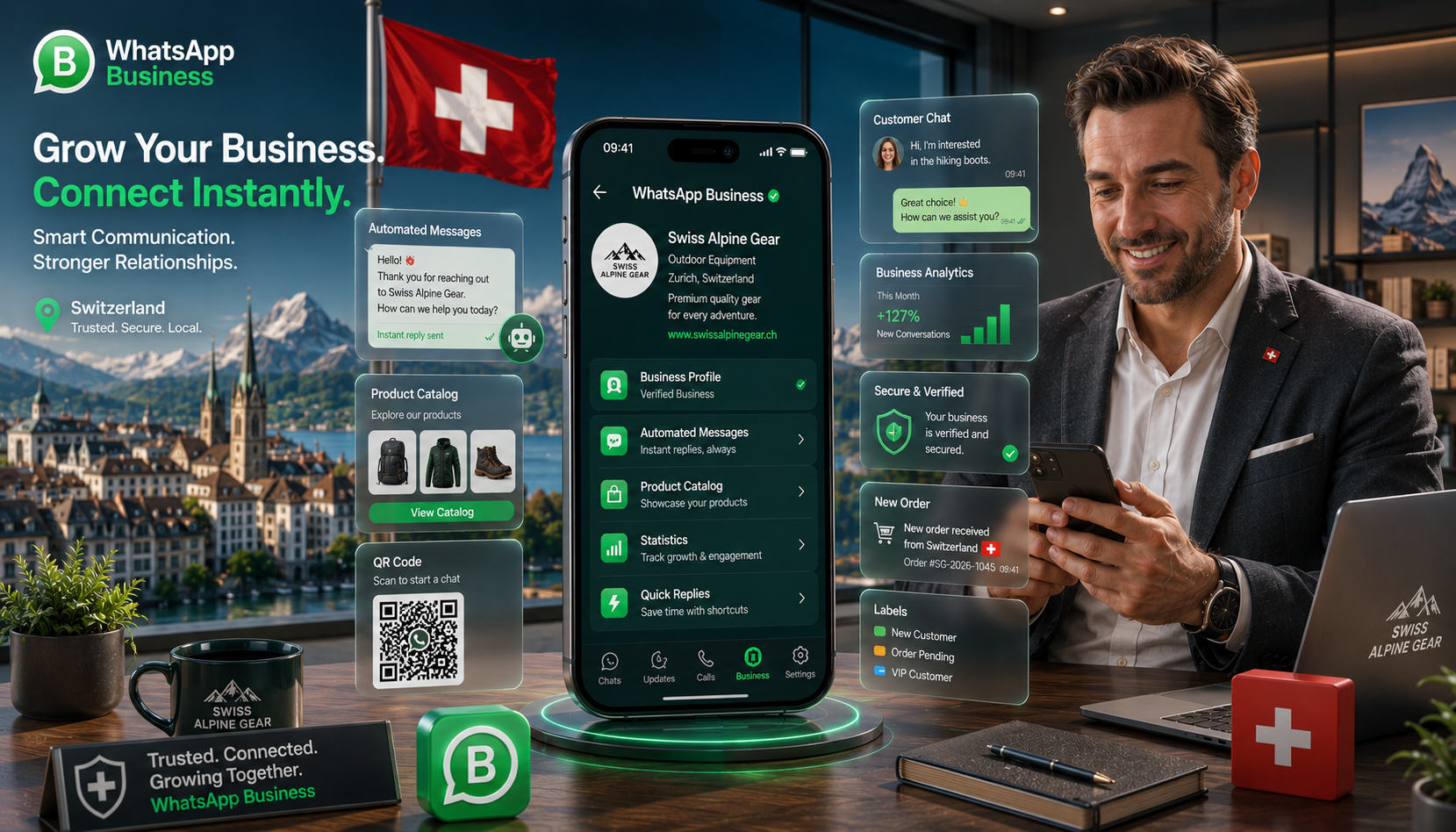
WhatsApp Business is a free application created specifically for businesses that want to communicate professionally with customers through WhatsApp. Unlike the normal WhatsApp Messenger app, the Business version includes advanced features such as automated replies, catalogs, labels, business profiles, greeting messages, quick replies, and customer organization tools.
In Switzerland, many small and medium businesses prefer WhatsApp because customers already use it daily. Instead of forcing people to download another app or create an account, businesses can communicate instantly using a familiar platform.
Swiss customers value speed, privacy, and convenience. WhatsApp Business allows companies to answer questions quickly, share product information instantly, and provide support in multiple languages including German, French, Italian, and English.
How to Set Up WhatsApp Business in Switzerland
Setting up WhatsApp Business is simple and takes only a few minutes. Follow these steps carefully to create a professional business presence.
-
Download WhatsApp Business
Install the WhatsApp Business app from Google Play Store or Apple App Store. Make sure you download the official Business version and not the standard Messenger app.
-
Register Your Business Number
Use a dedicated business phone number whenever possible. This keeps your personal and business conversations separate and makes your company look more professional.
-
Create Your Business Profile
Add your company name, logo, website, business description, email address, location, and working hours. A complete profile builds trust with Swiss customers.
-
Set Up Automated Messages
Configure greeting messages, away messages, and quick replies so customers receive instant responses even outside business hours.
-
Add Your Product Catalog
Upload products or services with photos, prices, and descriptions. Customers can browse your catalog directly inside WhatsApp without leaving the app.
Best WhatsApp Business Features for Swiss Businesses
Automated Replies
Send instant welcome messages and automatic responses to improve customer satisfaction and save time.
Product Catalog
Showcase products and services directly inside WhatsApp with professional images and descriptions.
Customer Labels
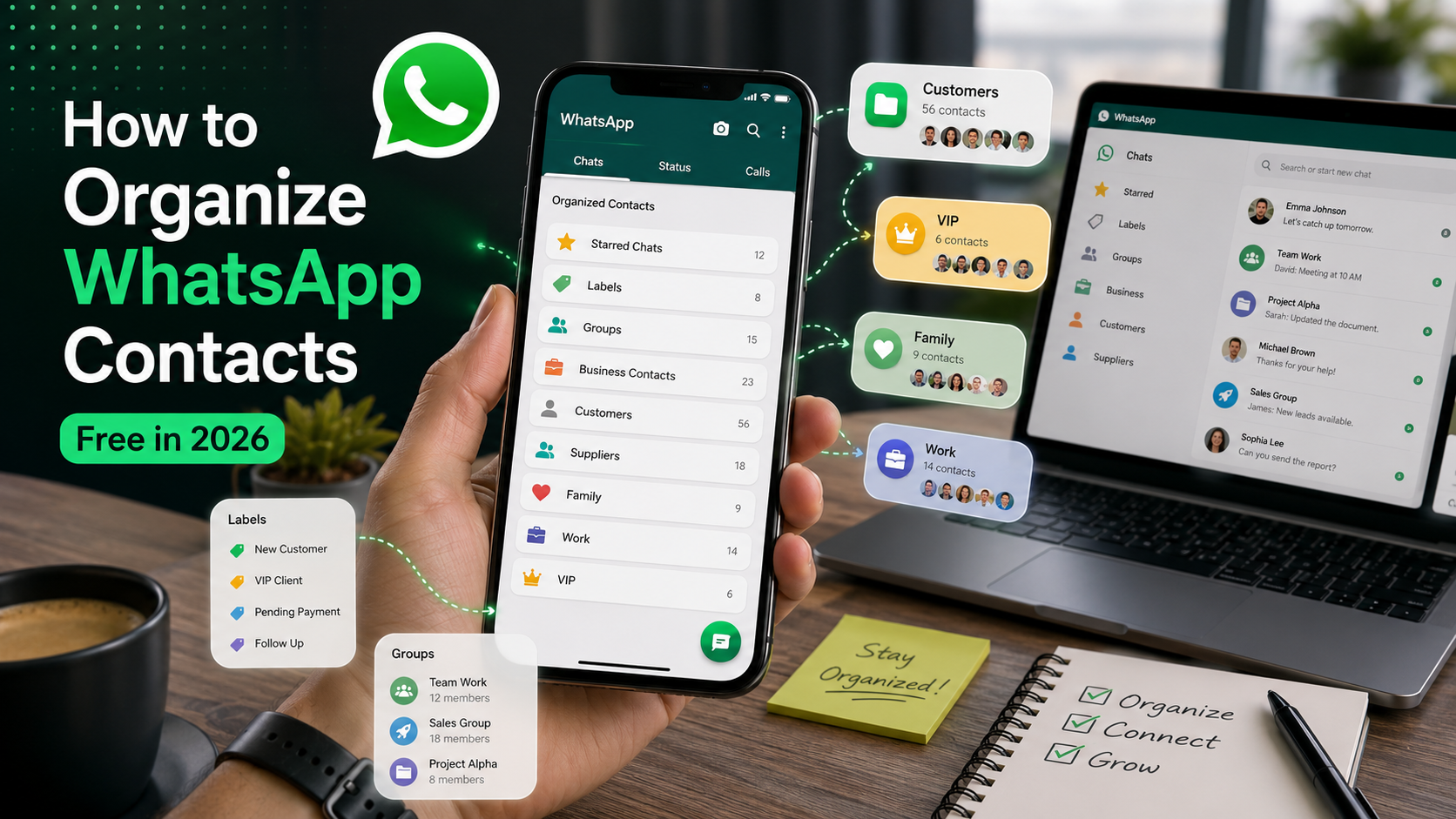
Organize chats with labels such as New Customer, Paid, Pending Order, or VIP Client.
Message Statistics
Track sent, delivered, read, and received messages to improve communication performance.
Click to Chat Links
Generate direct WhatsApp links for websites, social media bios, and advertisements.
QR Codes
Allow customers to contact your business instantly by scanning a WhatsApp QR code.
Useful Free WhatsApp Tools
| Tool | Purpose | Benefit |
|---|---|---|
| Click to Chat Generator | Create direct WhatsApp chat links | Increase conversions from websites and ads |
| QR Code Generator | Create WhatsApp QR codes | Easy customer contact from posters and packaging |
| Message Formatter | Format professional messages | Improve readability and engagement |
| Bulk Message Sender | Send announcements efficiently | Save time during campaigns |
WhatsApp Marketing Tips for Switzerland
Using WhatsApp Business correctly can help Swiss companies build stronger customer relationships and improve sales performance. Here are some practical strategies:
- Respond Quickly: Customers expect fast replies. Businesses that respond within minutes usually achieve higher trust and better conversion rates.
- Use Multiple Languages: Switzerland has multiple official languages. If possible, support German, French, Italian, and English to reach more customers.
- Share Useful Content: Send updates, promotions, appointment reminders, and helpful tips instead of constant advertisements.
- Add WhatsApp to Your Website: Place WhatsApp chat buttons and click-to-chat links on your homepage and contact pages.
- Use QR Codes Offline: Add WhatsApp QR codes to menus, business cards, receipts, packaging, and store windows.
- Keep Messages Professional: Use polite language, clear formatting, and concise replies to maintain a trustworthy business image.
Businesses that combine WhatsApp support with automated replies and QR code marketing often see higher customer engagement and improved retention rates compared to email-only communication.
Common WhatsApp Business Mistakes to Avoid
Many businesses start using WhatsApp without a clear strategy. Avoid these common mistakes:
- Using personal WhatsApp accounts instead of WhatsApp Business.
- Sending too many promotional messages and annoying customers.
- Ignoring customer replies for hours or days.
- Using unclear profile pictures or incomplete business information.
- Not organizing chats and customer inquiries properly.
- Adding customers to groups without permission.
- Sending large unformatted text blocks that are difficult to read.
Privacy and Security Tips
Privacy is extremely important in Switzerland. Businesses should respect customer data and follow secure communication practices.
Enable Two-Step Verification
Protect your WhatsApp Business account from unauthorized access and hackers.
Never Share Verification Codes
WhatsApp support will never ask for your SMS verification code.
Backup Chats Securely
Regular backups help protect important customer conversations and order information.
Avoid Spam Messaging
Sending too many unsolicited messages may cause account restrictions or bans.
Frequently Asked Questions
Start Growing Your Business With WhatsApp Today
Create a professional WhatsApp Business presence, connect with customers faster, and improve communication using free WhatsApp tools designed for modern businesses in Switzerland.
🚀 Explore Free WhatsApp Tools