WhatsApp Country Code Finder — Complete List of All Country Dial Codes 2026
WhatsApp Country Code Finder — Complete List of All Country Dial Codes 2026
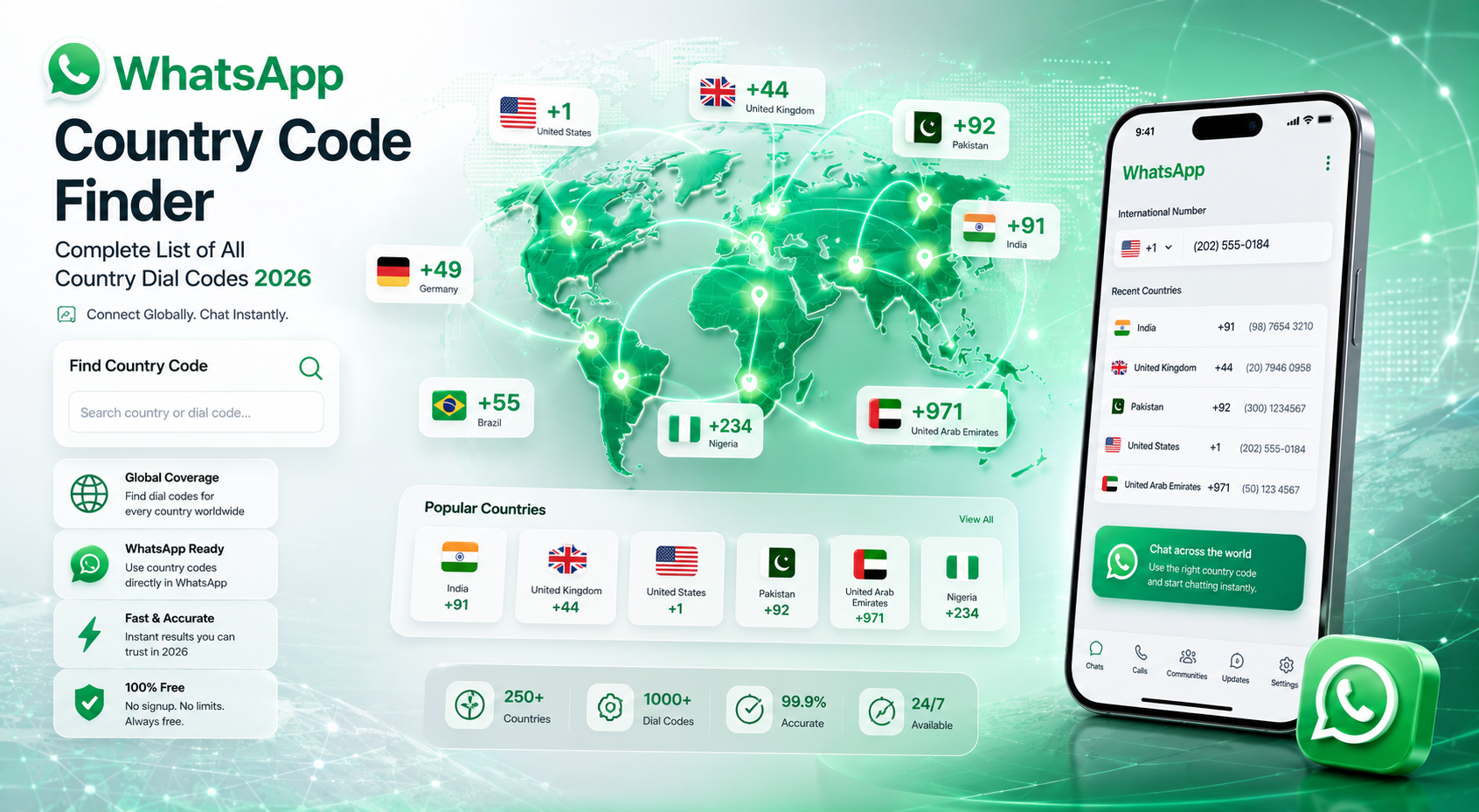
Find international WhatsApp country codes instantly. Search complete dial codes for every country and create properly formatted WhatsApp chat links in seconds.
Ever tried sending a WhatsApp message to an international number only to discover the chat link doesn't work? In most cases, the problem is an incorrect country code. Whether you're creating WhatsApp Click to Chat links, validating numbers, running international marketing campaigns, or contacting global customers, using the correct dial code is absolutely essential. This guide gives you a complete 2026 list of WhatsApp country codes and explains how to use them correctly.
What Is a WhatsApp Country Code?
A WhatsApp country code is the international calling prefix used before a phone number. It tells WhatsApp which country the number belongs to so the platform can correctly route chats and calls internationally.
For example, Pakistan uses +92, the United States uses +1, and the United Kingdom uses +44. Without the correct code, WhatsApp links may fail or messages may never reach the intended person.
When creating WhatsApp wa.me links, always remove spaces, brackets, and the + symbol. Example: +92 300 1234567 becomes 923001234567.
WhatsApp Usage Around the World
Most Popular WhatsApp Country Codes
| Country | Country Code | Example Number |
|---|---|---|
| Pakistan | +92 | 923001234567 |
| India | +91 | 919876543210 |
| United States | +1 | 12025550123 |
| United Kingdom | +44 | 447700900123 |
| United Arab Emirates | +971 | 971501234567 |
| Saudi Arabia | +966 | 966501234567 |
| Germany | +49 | 4915123456789 |
| Canada | +1 | 14165550123 |
| Australia | +61 | 61412345678 |
| Brazil | +55 | 5511999999999 |
How to Use Country Codes for WhatsApp
-
Find the Correct Country Code
Search for the country in the table above and copy the international dial code.
-
Remove Leading Zero
Most local numbers begin with 0. Remove that zero before adding the country code.
-
Add the Country Code
Combine the country code with the mobile number to create a valid WhatsApp number format.
-
Create a WhatsApp Chat Link
Use the final number inside a wa.me link like this: https://wa.me/923001234567
-
Open the Link and Start Chatting
Share the link on websites, social media, QR codes, or marketing campaigns to start instant WhatsApp conversations.
Combine the Country Code Finder with a WhatsApp Click to Chat Generator to instantly create clickable chat links for customers worldwide.
Common Mistakes People Make
Many users accidentally create broken WhatsApp links because of formatting mistakes. Here are the most common problems:
- Adding spaces between numbers
- Keeping the leading 0 after country code
- Using brackets or dashes
- Forgetting the international code completely
- Adding the + symbol inside wa.me links
Frequently Asked Questions
Ready to Create International WhatsApp Links?
Use our free WhatsApp Country Code Finder to quickly format numbers correctly and create global chat links in seconds.
🌍 Open Free WhatsApp Tools →